

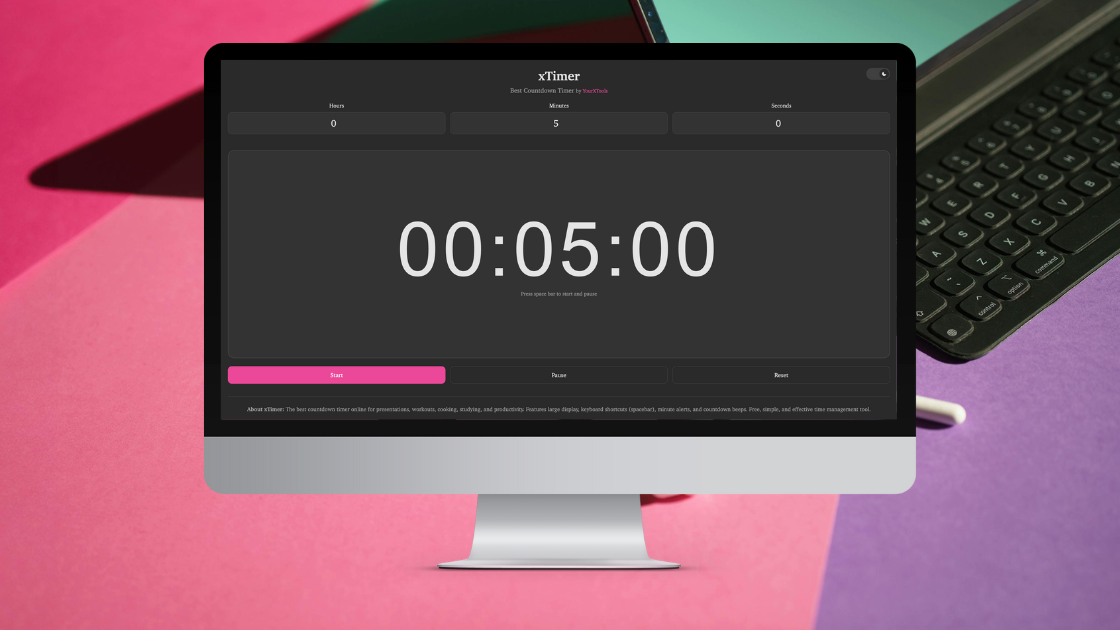
The best and simplest free online countdown timer!
I’ve tried plenty of online timers over the years, usually while teaching, working remotely, or running short activities that need clear time limits. Most of them either feel cluttered, overloaded with features, or strangely hard to use. That’s why I ended up sticking with xTimer countdown. This tool helps you stay focused and manage time effectively by providing a clean, distraction-free countdown timer that works instantly on any device.
What makes xTimer stand out is how natural it feels to use. You don’t need instructions, accounts, or settings menus. You open it, set the time, and start. That simplicity makes a real difference when you’re already busy and just need something reliable.
In classrooms, xTimer has proven to be especially useful. Teachers often use it to manage timed activities such as quizzes, group discussions, writing exercises, or short breaks between lessons. Having a visible timer helps students stay aware of time without constant reminders, and it removes the pressure from the teacher to keep checking the clock. It’s also helpful during exams or practice tests, where clear time boundaries matter.
Outside the classroom, xTimer fits easily into everyday routines. Remote workers use it for focus sessions, such as short work sprints or Pomodoro-style breaks. During online meetings or presentations, it helps speakers stay on track without interrupting the flow. Event organisers and trainers also rely on it to time activities, rotations, or presentations, knowing the timer will behave consistently every time.
5 Practical Ways to Use an Online Timer
One simple way to use xTimer is for focused work sessions, setting short intervals to stay productive without burnout. It’s also useful for timing classroom activities so students know exactly how long they have. Many people use it for workouts, stretches, or rest periods, especially when they want something quick without downloading an app. It’s equally effective for managing presentation time or pacing group discussions. Even for everyday tasks like cooking, reading, or taking mindful breaks, a simple timer can bring structure to your day.
xTimer is designed with real users in mind. It avoids unnecessary visuals and focuses on clarity, making it suitable for both professional and casual use. Whether you’re on a laptop at work or using your phone at home, the experience stays consistent and smooth.
Key features include:
- Simple and accurate countdown timer
- Clear sound alerts when time is up
- Dark mode for comfortable use in low-light environments
- Mobile-friendly design that works across devices
- Clean, distraction-free interface
Unlike many online timers that overwhelm users with ads, pop-ups, or complex controls, xTimer keeps things straightforward. You don’t need to customise anything unless you want to. It respects your attention and lets you focus on the task at hand, which is exactly what a timer should do.
Another advantage is how dependable it feels over repeated use. Some tools work fine once but become frustrating over time. xTimer remains consistent, whether you’re using it daily in a classroom or occasionally for personal tasks. That reliability builds trust, and trust is what turns a simple tool into a regular part of your workflow.
If you’re looking for an online timer that’s easy, fast, and reliable, xTimer fits naturally into everyday life. It doesn’t try to be more than it needs to be. It simply works, and sometimes that’s exactly what you need.

Leave a Reply